Spinworthy
Full albums, start to finish.
Spinworthy plays your Apple Music albums from start to end, laid out like a record collection: a crate to flip through, a turntable to drop the needle on, and one album picked for you each morning. No shuffle, no autoplay, gapless always. Requires an Apple Music subscription.
What it does
Drop the needle
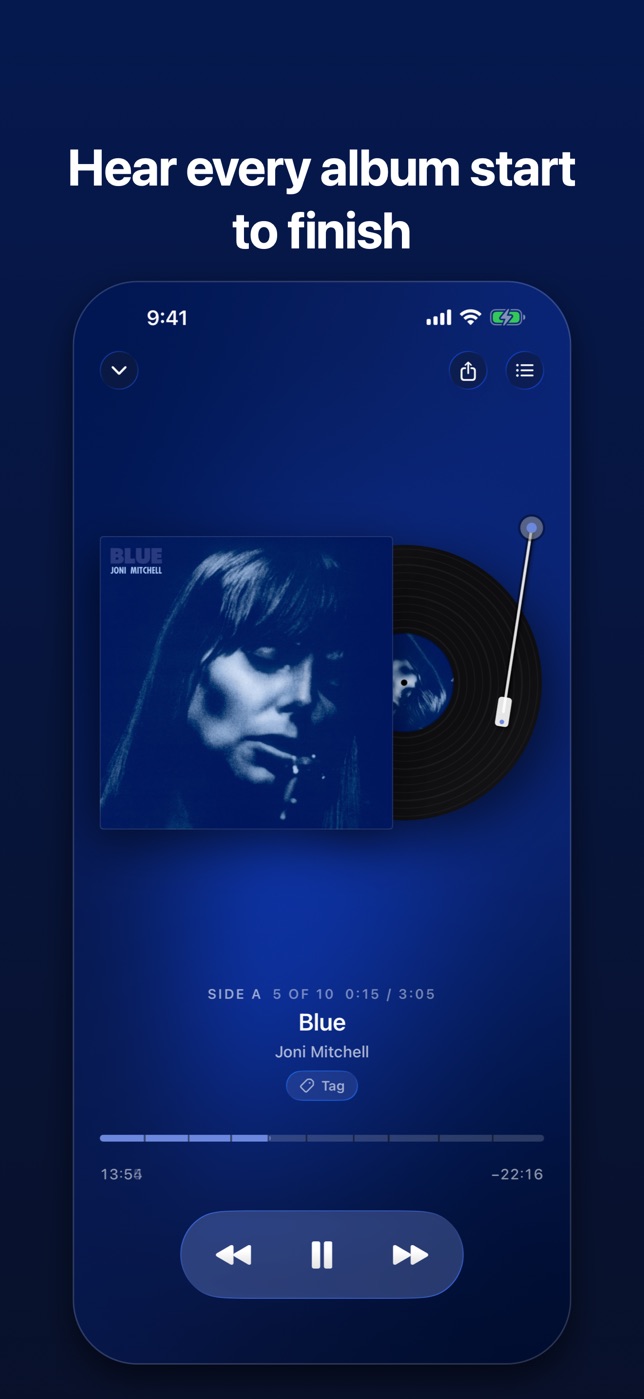
The record slides out of the sleeve and spins. Drag the tonearm to scrub through the whole record, not just the song that happens to be playing.
Records you've actually finished
Not played. Not sampled. Finished, and when. Sort by longest unplayed and the front of the crate is the record you've been neglecting.
Album of the day
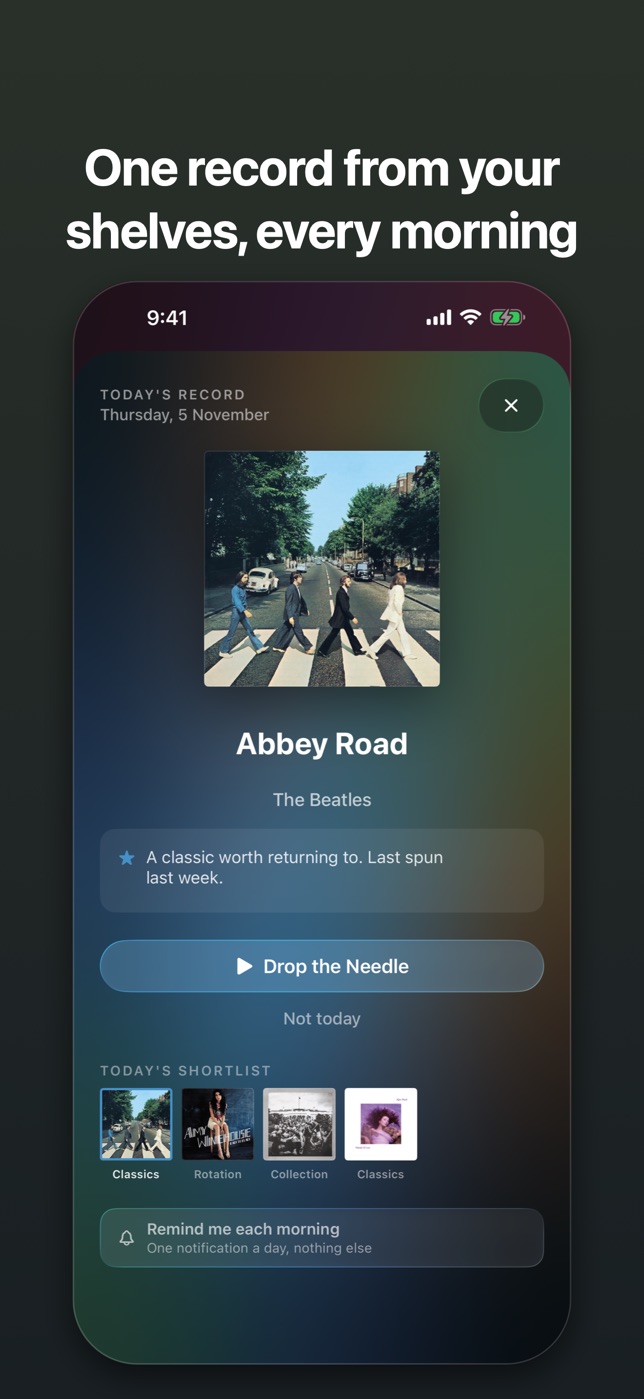
One record each morning, drawn evenly across your shelves, with the reason it was chosen. Three alternates if it isn't the one, and an optional reminder at nine.
The crate and four shelves
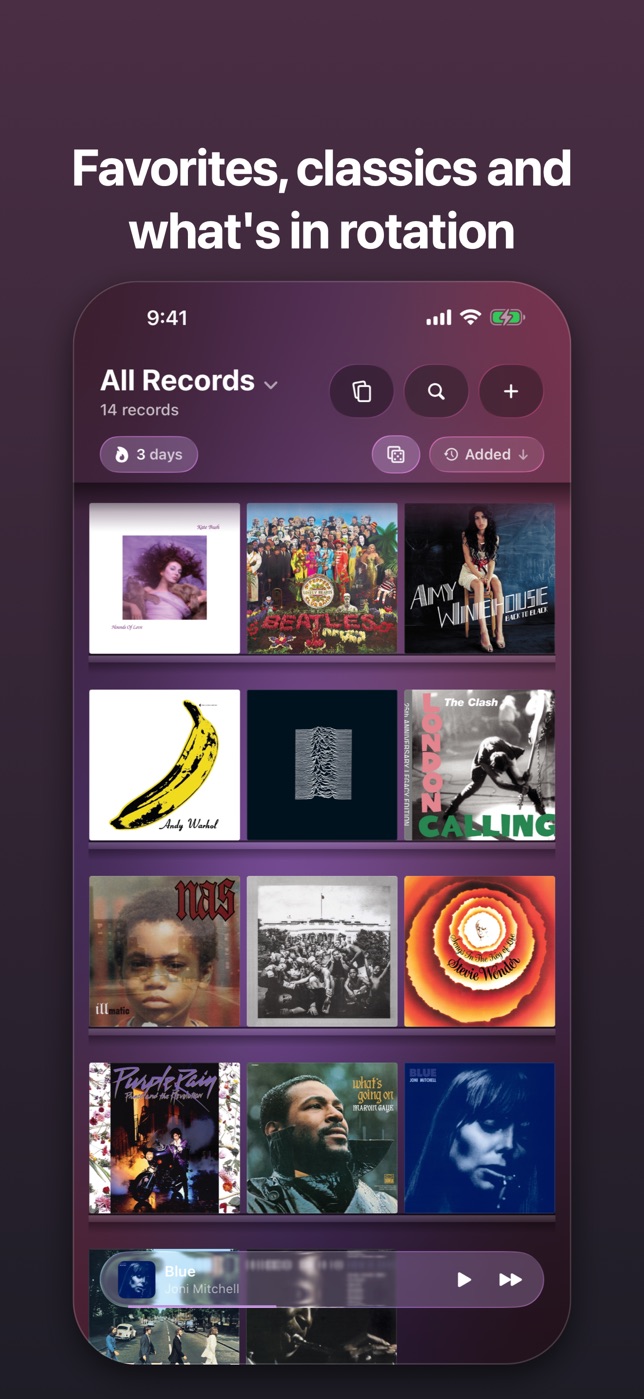
Flip through covers one at a time, the way you'd dig through a real crate, or switch to shelves: First Listen, Favorites, Classics and Rotation. The room takes its colour from the record in front of you.
Where records come from
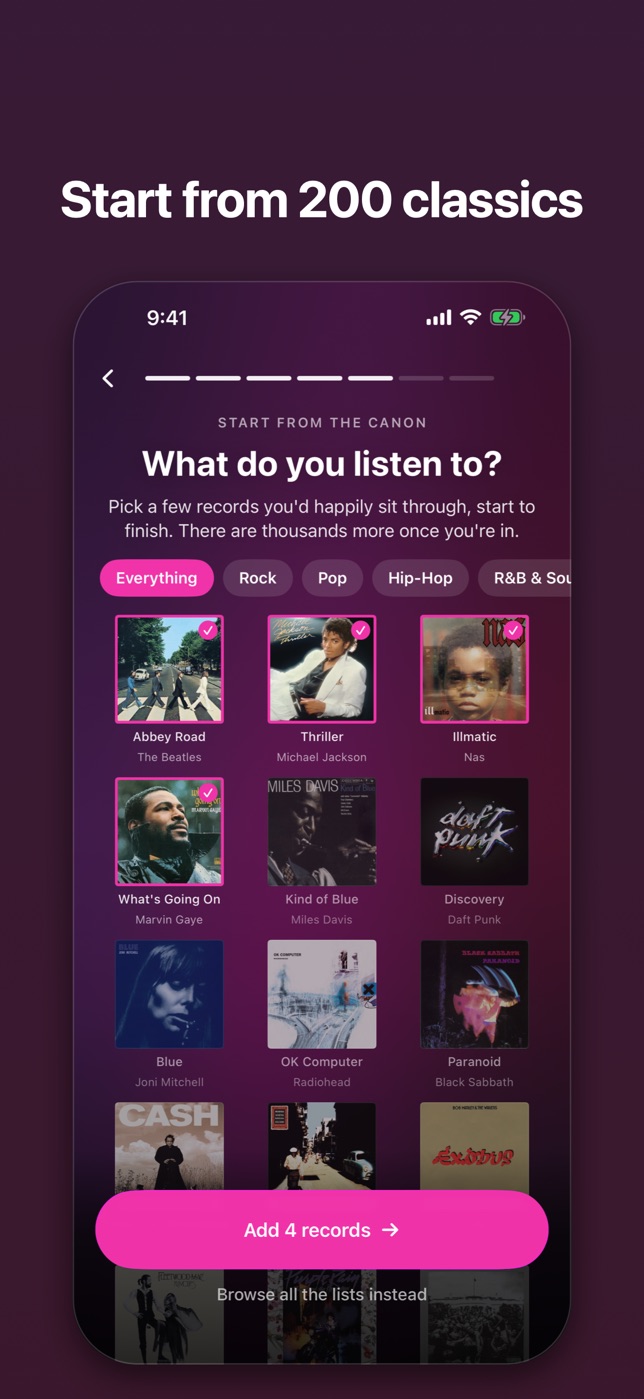
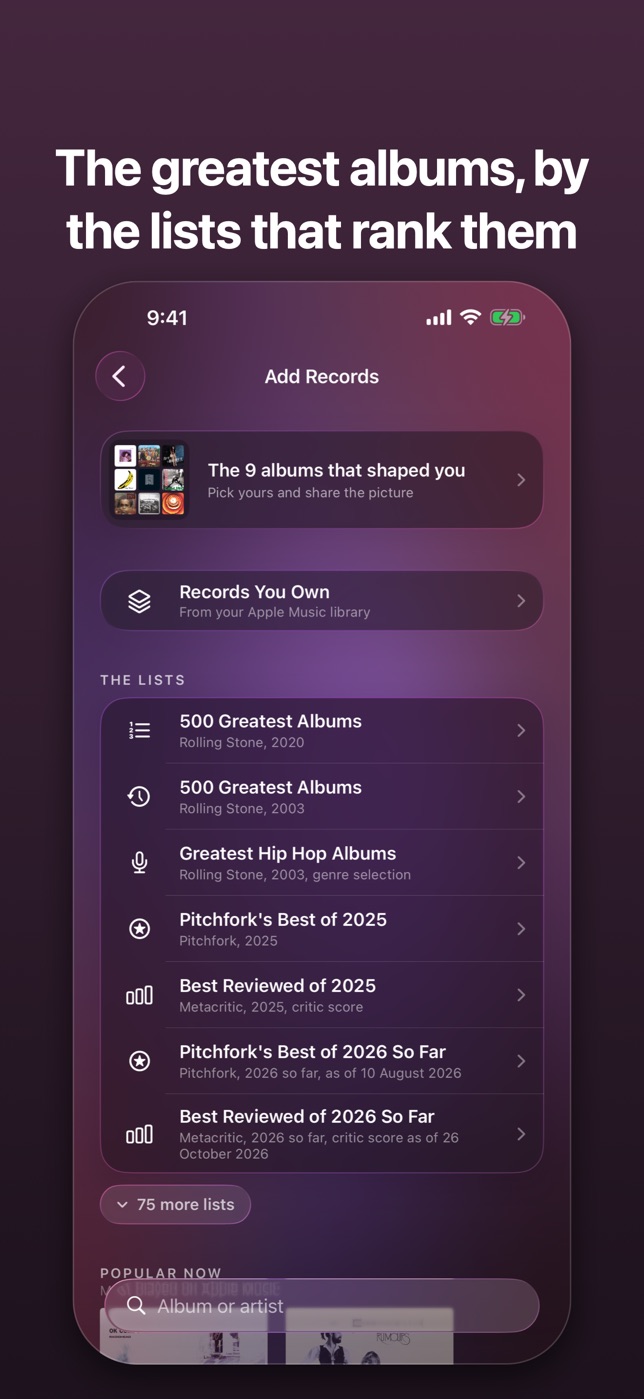
Bring in whole albums from your Apple Music library, or start from 200 classics across twelve genres. Then add from more than eighty published lists, including Rolling Stone's 500 Greatest, Pitchfork's best of the year and Metacritic's best reviewed.
Share what's spinning
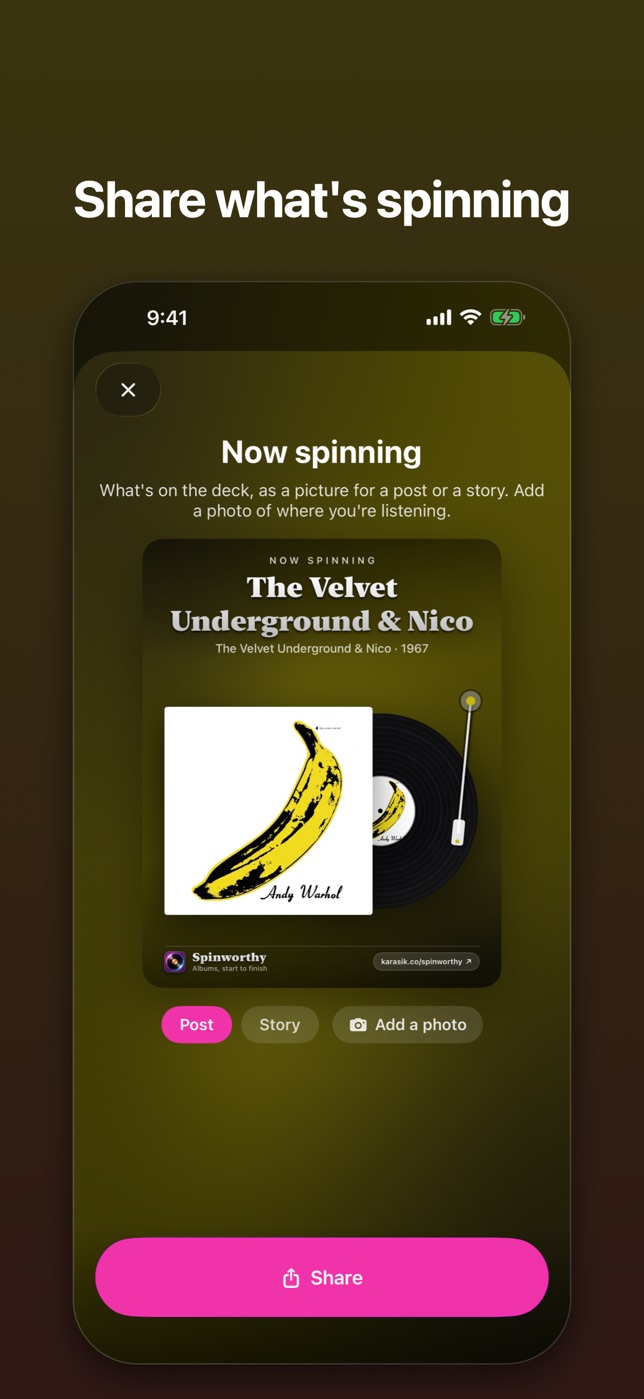
Turn the record on your turntable into a picture for a post or a story, over a photo of where you're listening if you like. Or pick the nine albums that shaped you.
A quiet streak
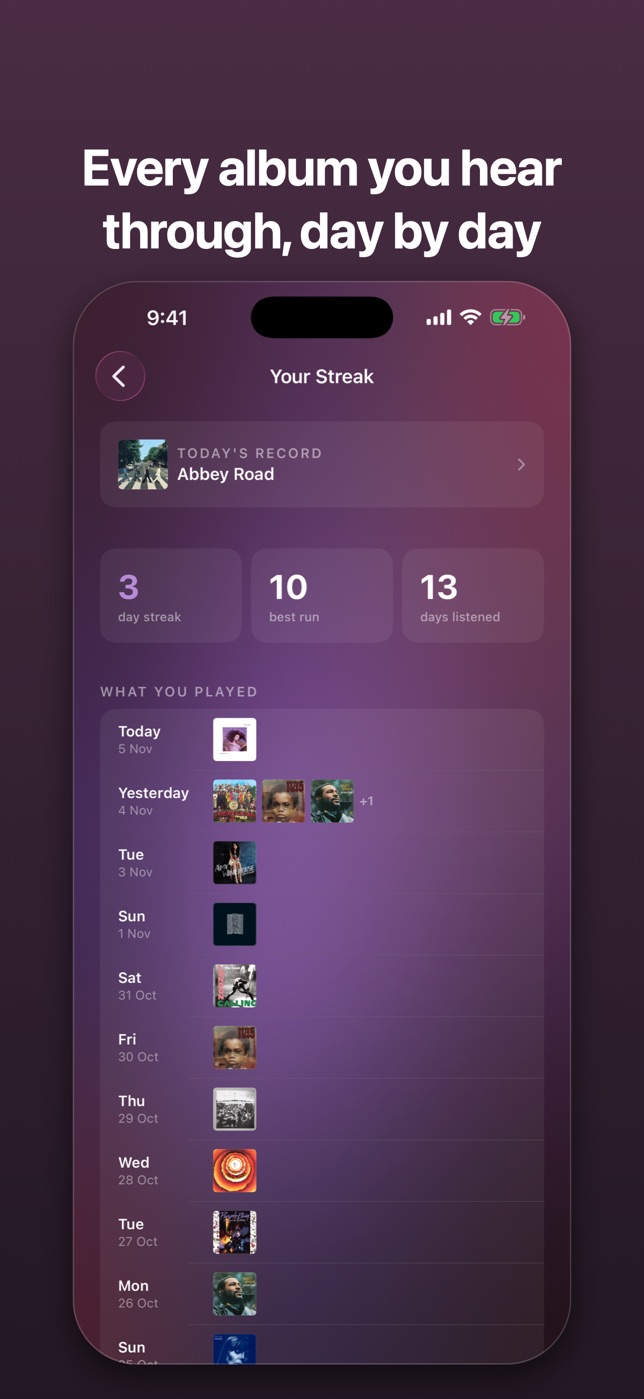
Days in a row with a record finished, and what you played on each of them. No badges, no confetti.
Who it's for
Built for album listeners on Apple Music
Spinworthy is for Apple Music subscribers who still listen in albums and miss the ritual of picking a record and playing it all the way through. If you keep saving albums you never get to, or want a reason to go back to the classics, it hands you one record a day and keeps track of what you've actually finished.
Guides
Learn as you play
How to stop Apple Music playing other songs when an album ends
5 min →The last track fades out, and before the silence can land, Apple Music starts a song you didn’t pick. One button stops it.
How to play an album in order on Apple Music
5 min →You pressed play on an album and got track 7, then track 2. Two things cause it, and both take a few seconds to fix.
Gapless playback on Apple Music: why albums blend, and how to hear them as made
6 min →On some albums the space between two songs is part of the music. A setting you may never have touched decides whether you hear it.
How to listen to a whole album, start to finish
6 min →Forty minutes, one record, no skipping. It sounds simple, and it’s surprisingly rare. Here’s how to make it a habit.